Here's What's New in 4M: May 2025
Written by

Chris Garafola
Published on
.svg)
June 2, 2025
.avif)
Table of contents
You asked. We delivered. From Improved admin dashboards to easier ways to share folders and export utility insights, this month's updates are packed with upgrades designed to give you more control, visibility, and collaboration in 4Map.
NEW FEATURES AND UPDATES
Admin Dashboard
Admins can now better track and manage project usage, monitor credits, and see project trends across their organizations.
With the Admin Dashboard, admins can:
- Track Foundation & Validated Data usage
- Spot trends and optimize resource allocation
- Monitor credit usage and stay on top of limits
➡️ Read the support article to learn more.
Updated Access Control with Smarter User Roles
Now Admins have more control and flexibility on user access and permissions, so they can assign the right role to the right person—internally and externally:
The updated user permissions include:
- Admin – Full access. Invite and manage users, create and delete projects, order all data types, and control folders.
- Project Data Owner – Create and view projects, order Foundation and Validated projects, invite users at same or lower permissions.
- Project Collaborator – Create and view projects, order Foundation projects only, invite users at same or lower permissions.
- Project Viewer (New) – View-only access to shared folders and projects. Cannot create, order, or invite.
- Project Guest (New) – External users outside of your organization with view-only access to specific projects. No folder or org access.
To share access across your team, click on your initials in the top-right corner of the screen to open your account menu and select “Team Management.”
To share access with an external Project Guest, when you are in a project, click on the “Share” button that appears on the top-right corner of your screen next to your initials.
🎥 Watch this video to see this in action.
➡️ Read the full support article to learn more.
Improved Folder Permissions and Access
Admins and folder creators can now control permissions to share access to folders. Folders are private by default, but now Admins and folder creators can share folder access with:
- Specific users, or
- Organization-wide access
This gives you the ability to best align teams or regions on the projects that matter most to them.
➡️ Learn more about folders and how to share them in this support article.
Export Utility Insights as PDF Reports
Now available to Project Collaborator and above in the Utility Insights Dashboard, users can:
- Export detailed project utility insights as PDF reports
- Great for team syncs, internal reviews, or stakeholder updates
- Just open a project, go to the Utility Insights Dashboard, under Tools & Workflows, and click “Export” in the top right corner of the dashboard.
➡️ Learn more about the Utility Insights Dashboard and its capabilities in this support article.
Foundation Data Now Available in Pennsylvania!
4M’s Foundation Data has been launched in Pennsylvania—delivering instant, reliable utility data to projects across the state.
And we’re just getting started: every month, we add Foundation Data for a new state. Scroll down to see—in yellow—the states we’ve mapped so far.
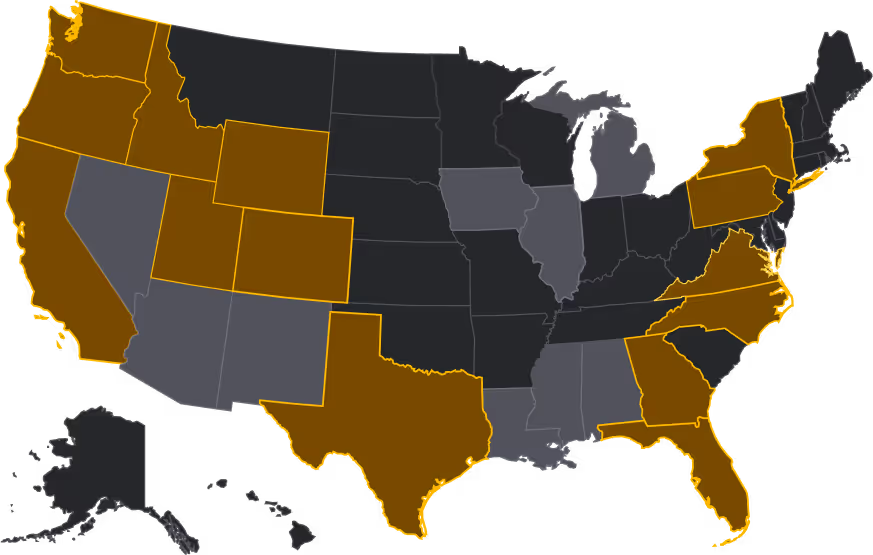
What states would like us to map next based on your project pipeline and client demand?
Your voice is the driving force behind everything we build.
See You Next Month
You asked for a better way to have more control, visibility, and collaboration in 4Map. We listened, then made it happen.
Got questions or want a deeper look at the new features? Your Customer Success Manager is ready to help.
Visit our help center for more detailed insights and to stay updated on our latest features.
We’ll see you next month with more ways to build smarter, faster, and safer with Utility AI.

Recent blog posts


.png)
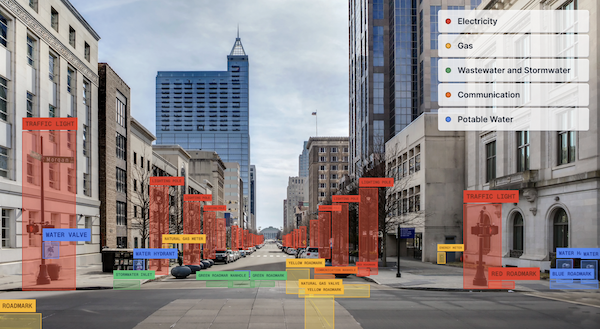

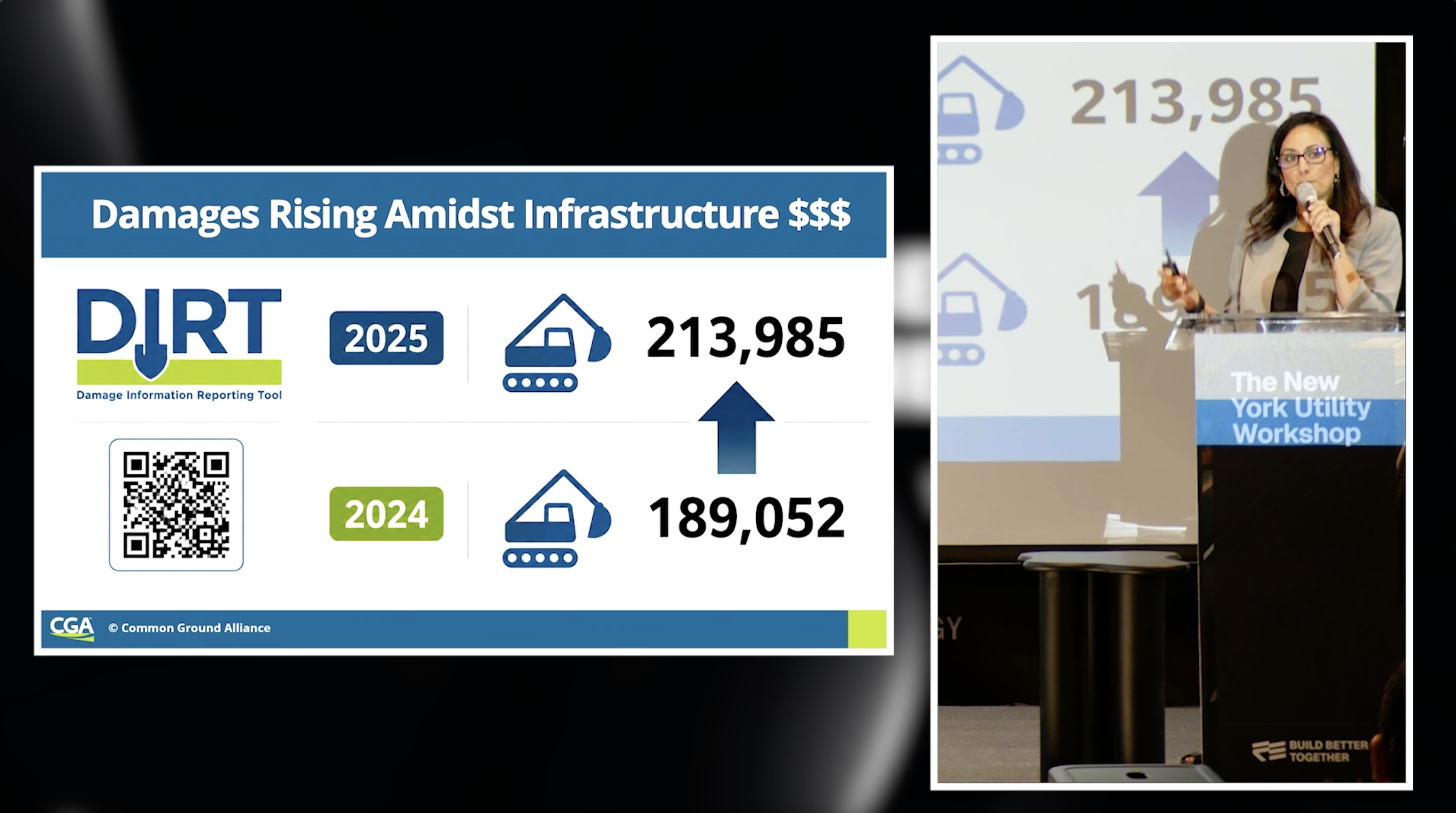
Utility Damages Are Rising — And the Fix is Simple, But Not Easy
Three years into a five-year industry pledge to cut utility damages in half, the 2025 DIRT Report shows they’re actually rising. We asked 150+ infrastructure leaders in New York why, and what the industry can do to get the numbers moving in the right direction.
Chris Garafola
.svg)
August 10, 2026
Our Newsletter
Join 7k infrastructure professionals
Get monthly insights on ways to build smarter, faster and safer with Utility AI.